Telegram bot
Check your net worth and log trades from a Telegram chat, using your own private bot. You create the bot, so its token stays on your instance and your messages never pass through anyone else's servers.
How to use
- In Telegram, open a chat with @BotFather and send /newbot. Follow its two prompts (a name, then a username ending in bot); it replies with a token like
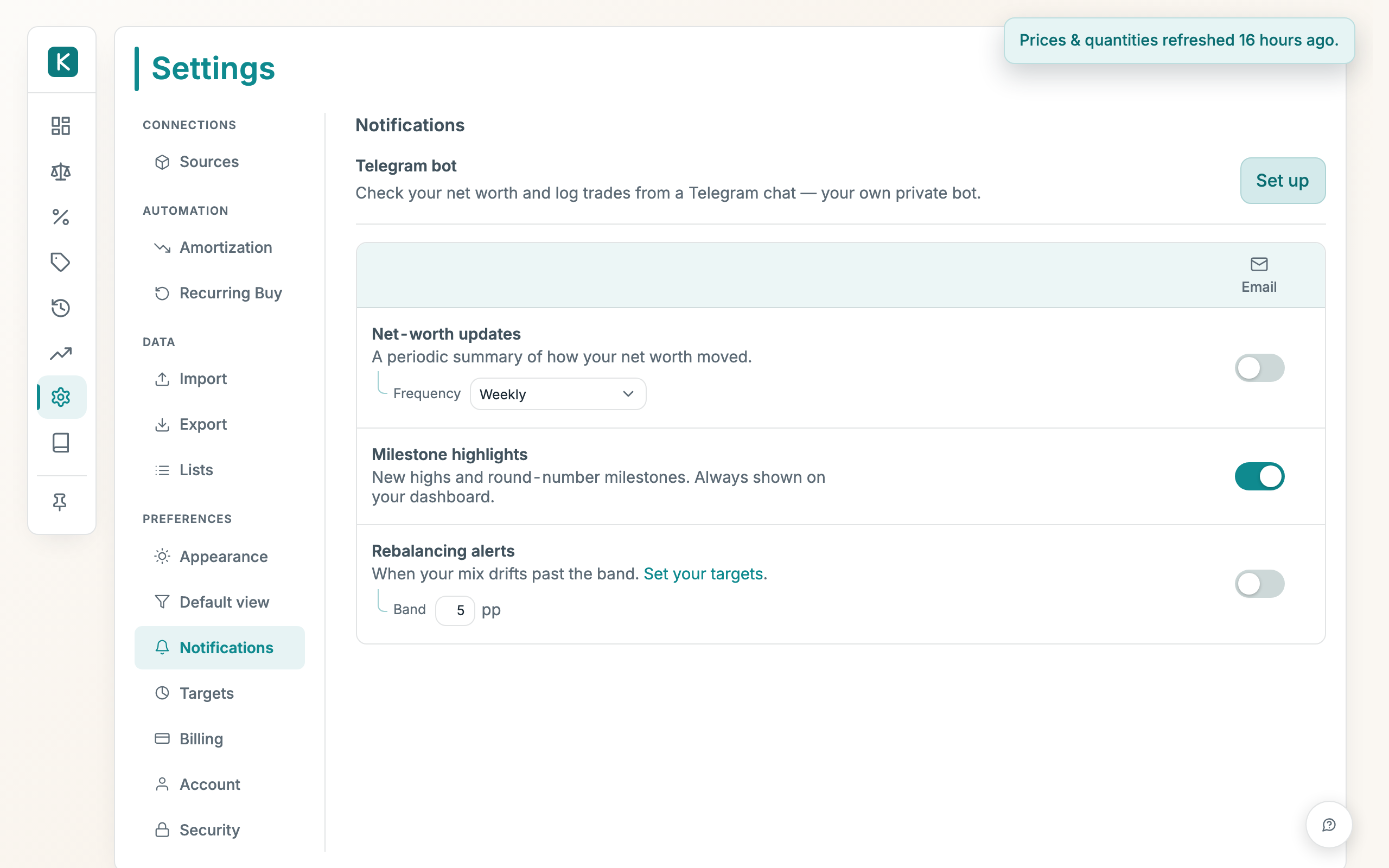
123456:ABC-DEF…. - In the app, open Settings → Notifications and click Set up next to Telegram bot.
- Paste the token into Bot token and click Save token.
- Open your new bot's chat in Telegram and tap Start.
- Back in the app, click Get link code, copy the message shown, and send it to your bot within 15 minutes.
Once linked, only that chat can see your figures or log trades.
What the bot can do
- Net worth on demand: send
/networthfor your current total. - Log trades by typing: e.g. "bought 0.025 BTC for €1000 on Kraken". The bot matches what you say against your actual holdings, asks a question when something is ambiguous, and saves only when you tap Confirm. The preview marks a side that doesn't match any existing holding as new position, and warns when a stated value looks far off market prices. Replying to the preview (e.g. "value is €800") corrects the draft before confirming.
- Update a position: e.g. "set my AAPL at Trading212 to 40 shares". Also shown for review before saving.
- Proactive net-worth updates: turn on the Telegram column for net-worth, milestone, or rebalancing rows in the Notifications table.
Other commands: /clear discards a pending draft, /unlink disconnects the chat, and /help lists everything.
Good to know
- Every trade or position change is previewed and saved only when you tap Confirm, using the same checks as the web app.
- The token is stored encrypted and is never shown back to you.
- Click Disconnect chat to unlink, or Remove bot to delete the bot entirely. Removing wipes the token and connection from your instance.
- Typing trades in plain language needs that feature to be enabled on your instance. If it isn't, the slash commands still work.